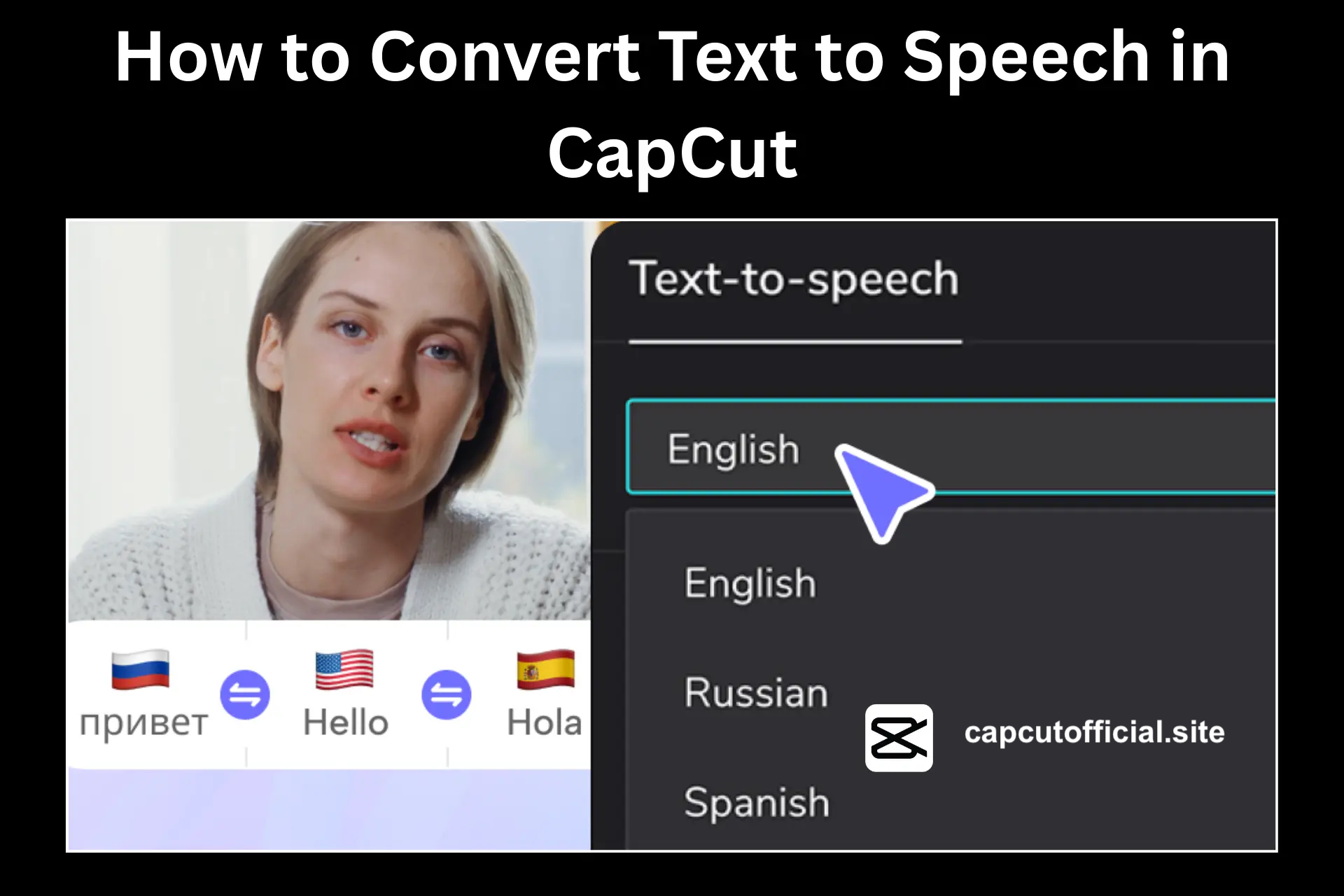
A voice in the video helps explain the video content in a better way. The voices also help to guide the viewers in a better way in the videos. However, not everyone prefers to use their own voices. To overcome this problem, CapCut has an amazing feature to convert your Text into voice. The Convert Text to Speech feature of CapCut creates audio for you with the words you type.
What is Text to Speech in CapCut?
Text-to-Speech is an outstanding feature of CapCut APK. This feature converts your written text into different voices. Instead of adding the recorded audio, you will type what you want to add as audio in the video. It is a simple and easy way to add a voice-over without making recordings. You can convert text to speech in the CapCut trending template also very helpful for creating an amazing video clip.
How to Convert Test to Speech in CapCut?
You need to follow some simple steps, and CapCut will generate audio for your video clips:
- Open CapCut to begin a project. You can also choose an already created project.
- Add any image, video, or blank clip to your timeline.
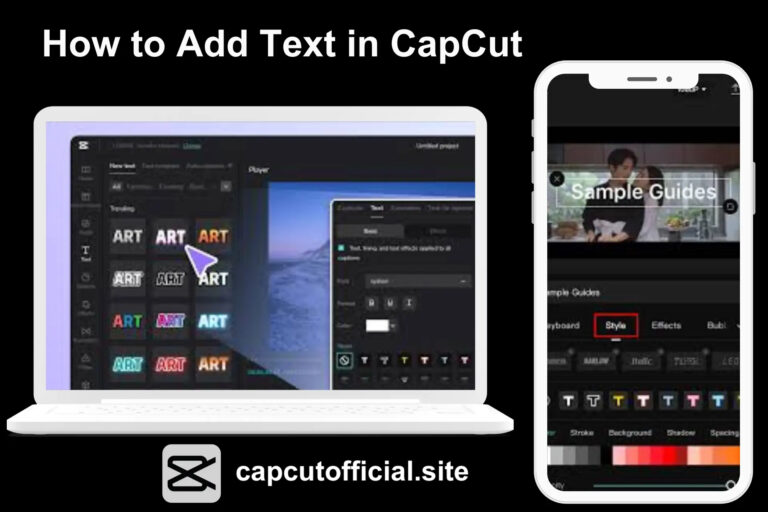
- Tap on the Text option and then select Add Text. Add the words you want to change as audio in CapCut.
- Click on the Text to Speech option from the menu. It will convert your words into audio.
- You can also choose any of the voice styles available for free in CapCut. Pick the voice style according to your video requirement.
- Once you pick the voice style, tap on Generate to complete the conversion of Text into speech.
- You can edit the audio to sync with your video. So trim or sync the audio if required.
- Save the completed video with the generated audio.
Benefits of Converting Text to Speech
This feature of CapCut is helping users in many ways. The following are some major benefits that will compel you to use it while making videos:
- It will save your time as you have no need to record long voice-overs.
- You can turn your words into speech without using any other app.
- This feature is really helpful if you do not want to use your own voice in videos.
- You can generate audio for your videos on the first go.
Best CapCut Text to Speech Voices
| Voice Type | Where to Use | Reason to Use |
|---|---|---|
| Male Voice | Tutorials, Tech Videos | Clear tone that sounds professional |
| Female Voice | Lifestyle, Vlogs | Warm and friendly for casual content |
| Character Voice | Gaming, Fun Edits | Brings humour and playful energy |
| Robotic Voice | Futuristic, Tech Clips | Gives a unique, digital effect |
| Child Voice | Kids Content, Cartoons | Light and playful for children’s videos |
Conclusion
You can add voice-overs to your videos directly in CapCut. It enables you to give voice to your videos in a few minutes with clear narration. You only have to write the Text for your video and pick the voice style to convert it into high-quality audio. It will save your time and work for different types of videos. Instead of recording again and again, you can now use this feature to make your videos sound complete and easy to follow. CapCut old version also offers the feature.
FAQs-Frequently Asked Questions
Can I convert my Text into speech in CapCut?
CapCut has a built-in feature to convert text into audio. You can now make audio with Text for CapCut videos without using another conversion tool.
Can I upload videos with CapCut voices on YouTube?
You can share the videos with CapCut audio on any social media platform.
Does CapCut let me create voices in other languages?
You can make audio in different languages other than English in CapCut.
Can I edit the audio generated by CapCut?
The audio adjust feature of CapCut allows you to edit your videos generated with words.